Instagram Collaboration Posts - How to Co-Create Content and Double Your Reach

What Instagram Collab Posts Actually Do
Instagram collab posts let two accounts share a single piece of content, with both handles appearing in the post header and both audiences seeing it in their feeds. The result is one post, two sets of followers, and a combined comment and like count that reflects activity from both sides. That shared engagement signal tells the algorithm this content is worth amplifying. Brands, creators, and small businesses that use this feature consistently report faster follower growth than they see from solo posting alone.
The mechanics are straightforward. You create the post, invite a collaborator before publishing, and they accept the invite. Once accepted, the post appears on both profiles simultaneously. Neither party needs to repost or cross-promote manually.

Why the Collab Feature Outperforms Simple Tagging
Tagging someone in a post sends their followers to your profile only if they click through. A collab post places your content directly into the collaborator's feed as if they had posted it themselves. That difference in distribution is significant, especially for accounts trying to reach audiences in adjacent niches.
Organic engagement rates across Instagram typically sit between 1% and 5%, varying by follower count and content type. Collab posts can push engagement toward the higher end of that range because the content reaches two warm, relevant audiences rather than one. Reels used as collab posts carry an additional advantage: Reels generate up to 30% higher organic reach than static posts on average, making them the strongest format for collaboration campaigns.
How to Set Up a Collab Post Step by Step
Creating the Post and Inviting a Collaborator
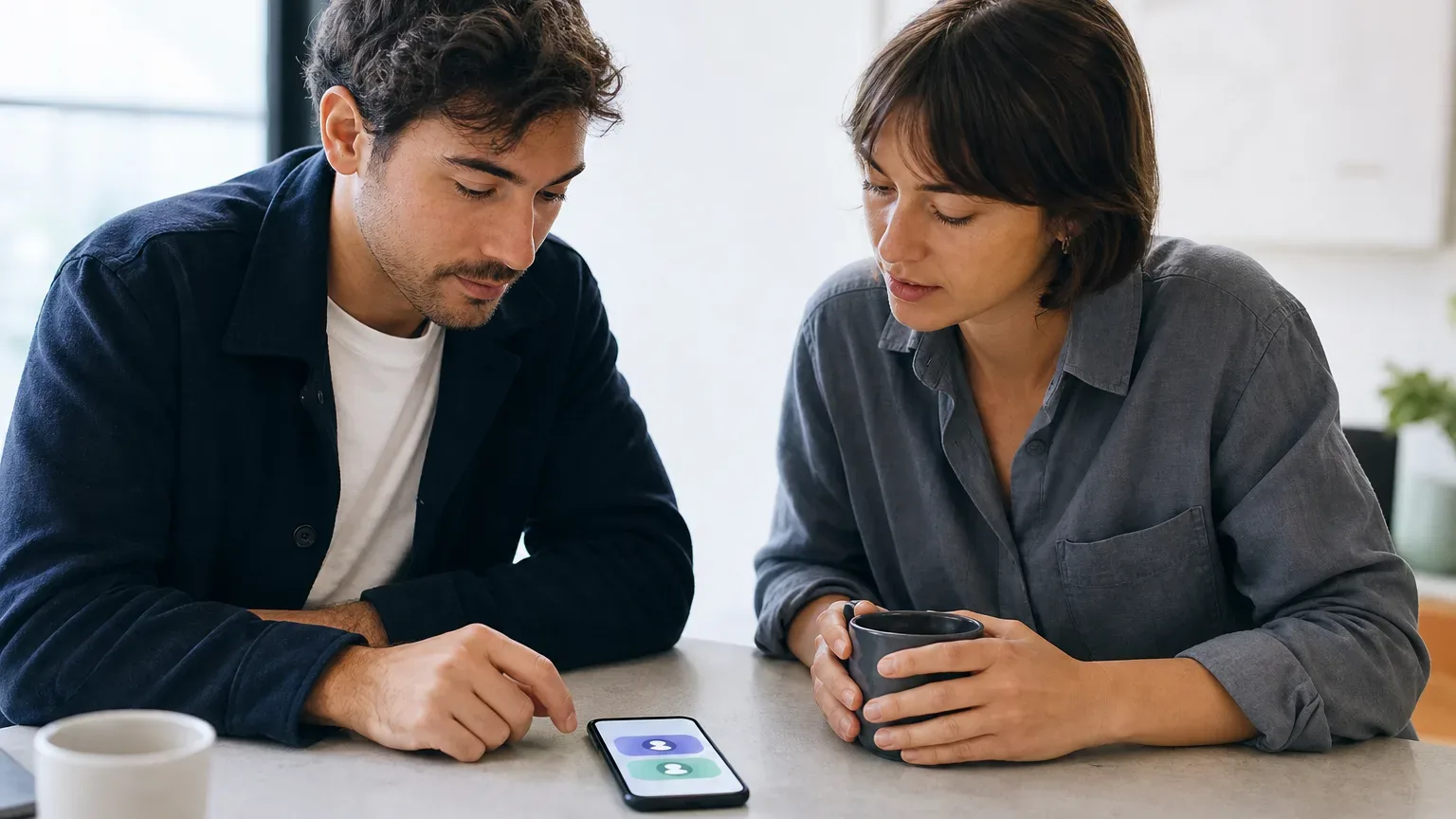
Open the Instagram app and tap the plus icon to start a new post or Reel. Select your photo or video, add your caption, hashtags, and location as usual. Before tapping "Share," tap "Tag People," then select "Invite Collaborator." Search for the account you want to partner with and tap their handle to send the invite. The post will stay in a pending state on your profile until the collaborator accepts.
The collaborator receives a notification in their direct messages. Once they accept, the post goes live on both profiles with both handles visible at the top. If they decline or ignore the invite, the post remains live on your profile alone, as a standard solo post.
Choosing the Right Format
Collab posts work with static images, carousels, and Reels. Carousels, the format Instagram calls a "carousel post" or sometimes a "multi-photo post," give each collaborator room to present multiple angles of a partnership, product, or event. Use the first slide as a strong visual hook since that is what stops the scroll in both feeds.
Reels are the highest-reach format. If your collaboration involves any kind of demonstration, behind-the-scenes footage, or storytelling, filming a short Reel rather than posting a static image will likely extend your reach further.
Hashtag and Caption Strategy
Both collaborators should agree on the caption and hashtags before the post goes live, since only the original creator can edit these after publishing. Aim for 5–15 hashtags that mix niche-specific and broader terms. Avoid flooding the caption with every tag available; focused hashtag selection performs better than using all 30 slots indiscriminately.
Write the caption to speak naturally to both audiences. Acknowledge the collaboration explicitly in the first line so followers from both sides understand the context immediately.

Picking the Right Collaborator
The most effective collab partners share audience overlap without being direct competitors. A fitness apparel brand partnering with a certified personal trainer reaches the same type of buyer from two credible angles. A local restaurant and a food photographer in the same city serve each other's audiences with complementary value.
Audience quality matters more than follower count. An account with 20,000 highly engaged followers in your target niche will typically deliver better results than one with 150,000 followers and low interaction. Check a potential partner's engagement rate on recent posts before reaching out. A healthy benchmark sits in the 1%–5% organic range; anything well below 1% on a large account often indicates an audience built through means that do not convert.
Establish expectations in writing before creating anything. Agree on who handles the creative direction, whether the post is organic or tied to paid ad spend, and what key performance indicators, or KPIs, you will each track. After the campaign, compare follower growth, reach, and profile visits against your baseline KPIs to evaluate whether the partnership delivered.
Adding Collaboration to a Paid Strategy
Collab posts can be boosted with paid ad spend, which extends their reach beyond both follower bases into targeted cold audiences. The original creator's account manages the boost. Instagram ad budgets for small businesses typically start at $300–$1,000 per month in ad spend, while growth-focused campaigns generally require $1,000–$5,000 per month to generate meaningful reach and retargeting volume.
Cost per click on Instagram averages $0.50–$2.00, depending on your niche, audience targeting, and creative quality. Cost per thousand impressions runs approximately $5–$15. A strong collab post that already performs well organically will generally convert paid amplification more efficiently than a post with weak early engagement.
If you are managing multiple partnerships or running collab posts as part of a broader content strategy, consider working with an agency. Entry-level social media management retainers typically run $500–$1,500 per month for single-platform management. Mid-tier retainers covering strategy, content creation, and ad management run $1,500–$5,000 per month.
Common Mistakes to Avoid
Sending a collab invite to an account without any prior conversation is the fastest way to get ignored. Warm the relationship first through comments, direct messages, or a formal partnership pitch. Collaborators who understand the mutual value are far more likely to accept and promote the post actively after it goes live.
Another frequent error is treating the collab post as a one-time transaction. The most effective partnerships produce a series of posts over time, building recognition with both audiences across multiple touchpoints. A single collab post rarely moves the needle on its own; a consistent series with the same partner creates compounding reach.
Finally, neglecting to track results leaves you without the data needed to improve. Monitor follower growth on both accounts in the 48–72 hours following a collab post. Compare reach and impressions against your 30-day average to quantify what the collaboration actually delivered.

Frequently Asked Questions
How Do I Add a Collab to an Instagram Post?
When creating a post or Reel, go to 'Tag People' before tapping Share, then select 'Invite Collaborator' and search for the account you want to partner with. Once you send the invite, the collaborator receives a notification in their DMs. After they accept, the post appears on both profiles with both handles shown at the top. If they don't accept, the post publishes normally on your profile alone.
How to Create an Instagram Post with Multiple Pictures?
Tap the plus icon to create a new post, then tap the stacked-squares icon in the lower right of the media selector to switch to multi-select mode. Choose up to 10 photos or videos in the order you want them to appear. Instagram calls this format a carousel post. You can apply individual edits to each slide or a single filter to all of them before writing your caption and sharing.
What Is an Instagram Post with Multiple Photos Called?
Instagram officially refers to it as a carousel post. It allows up to 10 images or videos in a single post that viewers swipe through. Carousel posts are a popular format for collab posts because both collaborators can use multiple slides to tell a fuller story or showcase different aspects of the partnership.
How Do I Add a Collaborator to an Instagram Post?
On the final editing screen before you share a post, tap 'Tag People' and then choose 'Invite Collaborator' rather than the standard tag option. Search for and select the collaborating account. They will receive a DM invitation to accept. Only one collaborator can be invited per post, and the invite must be sent before the post is published.
Can I Invite Collaborators on Instagram After Posting?
No, Instagram currently only allows you to invite a collaborator before a post is published. Once the post is live, the option to add a collaborator is no longer available. If you missed the step, your only options are to delete the post and recreate it with the collaborator invite included, or to tag the other account as a standard mention instead, which offers much less reach benefit.